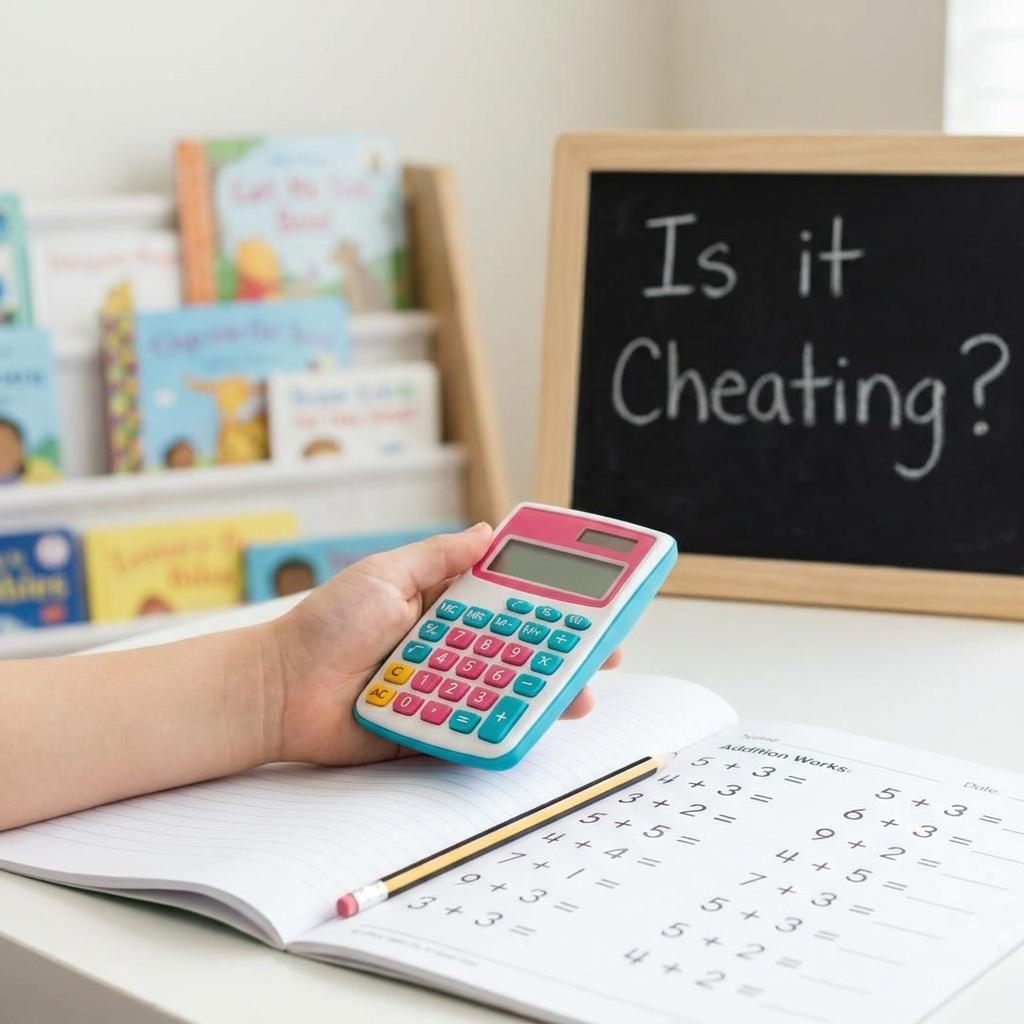
Sitting at the kitchen table on a Tuesday evening while a six-year-old stares blankly at a worksheet is a rite of passage for most parents. You can see the wheels turning, but sometimes those wheels just get stuck. First-grade math isn’t just about memorizing facts; it’s the moment numbers stop being just symbols and start becoming a language.
When I helped my little cousin practice math after school last year, I saw the exact moment the frustration kicked in. He was doing great with 2+2 and 3+1. But as soon as we hit double digits or anything that required carrying a one, his eyes glazed over. It wasn’t that he couldn’t do the work; it was that the mental load became too heavy.
Finding the right Addition Calculator for a child at this age isn’t about giving them an “easy way out.” It’s about providing a safety net while they build their math confidence. A good tool should be simple, clean, and focused solely on the task at hand without the distractions of a scientific device.
The Shift From Fingers to Logic
In elementary school math, the transition from using physical objects like Cheerios or fingers to abstract mental math is huge. First-graders are expected to understand that numbers represent quantities and that those quantities can be combined.
Most kids start out strong, but I noticed some kids lose confidence the second numbers look bigger than what they can count on their hands. That’s where digital learning tools come into play. When a child can check answers instantly using a simple interface, it removes the fear of being “wrong” and replaces it with a sense of curiosity.
Why Some First-Graders Struggle With Addition
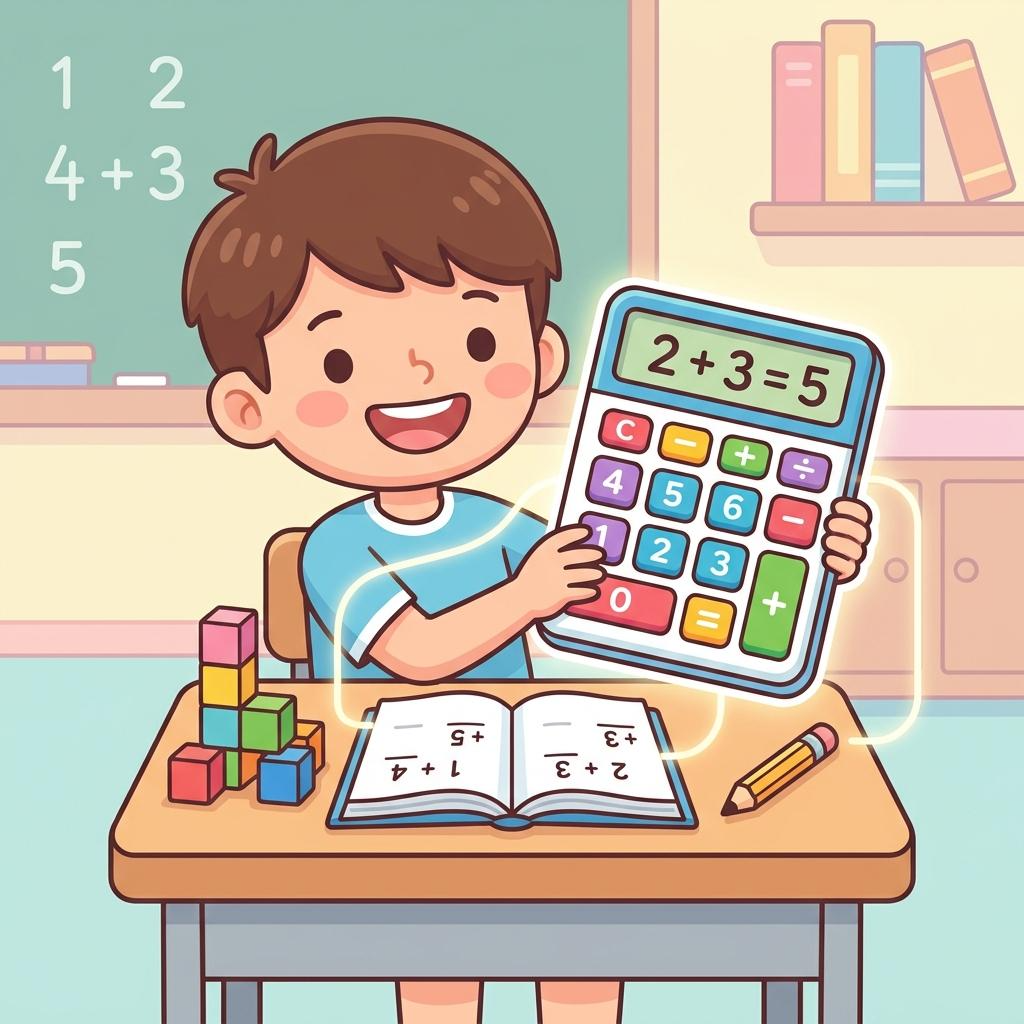
Addition practice can feel repetitive, and for a six or seven-year-old, repetition often leads to boredom or anxiety. One of the biggest hurdles in first-grade math is the concept of “regrouping” or carrying numbers. It’s a literal leap in logic.
A lot of student learning at this stage is visual. If they can’t see why 8+5 equals 13, they just feel lost. They might understand the “8” and the “5,” but the bridge between them is shaky. When the classroom learning environment moves too fast, kids stop asking “why” and start guessing. Guessing is the enemy of math confidence.
Another factor is the pressure to be fast. We often praise kids for being “quick” at math, but speed doesn’t always mean they understand basic arithmetic. If a child feels rushed, they stop focusing on the logic of learning numbers and start focusing on the clock.
What Parents Often Get Wrong
We mean well, but as adults, we’ve forgotten how hard it was to learn that 7 and 5 make 12. We tend to jump straight to the answer or show them “shortcuts” that actually confuse them more.
One big mistake is treating addition practice like a memory test. While memorizing math facts is helpful later on, first-graders need to understand the mechanics of the sum. If you just tell them the answer is 10, they haven’t learned anything about how they got there.
Another common error is avoiding technology entirely. Some parents think that using a calculator will make their child “lazy.” On the contrary, if you try this free Addition Calculator with them, you can use it as a teaching moment. Let them guess the answer first, then use the tool to verify. This turns a boring worksheet into a game of “Beat the Machine.”
Should Kids Depend on Calculators Too Early?
Here is my slightly controversial take: I think we should introduce calculators much earlier than we currently do, especially an Addition Calculator designed for beginners.
Many educators worry that kids will lose their ability to do mental math if they have a tool to help them. I disagree. I believe that when kids use an Addition Calculator to verify their own work, it reinforces the correct answer in their brain.
Think about it this way: if a child spends ten minutes struggling with a single problem and gets it wrong, they’ve spent ten minutes practicing an error. If they use this beginner-friendly math helper to see the correct result immediately, they are seeing the right pattern. It’s like having a tutor standing over their shoulder, gently correcting them before a bad habit forms. Beginner math skills are built on successful repetitions, not on hours of frustration.
The Role of Math Confidence
Confidence is the “secret sauce” in teaching addition. Once a child believes they are “bad at math,” it is incredibly hard to change their mind. This usually happens in first grade when the workload increases.
By using simple math practice tools, we can keep the experience positive. I’ve seen kids transform from being tears-on-the-page frustrated to actually being excited about math homework help just because they had a way to double-check their work.
A reliable Addition Calculator for home use shouldn’t have a hundred buttons. It should be a clean space where they can enter two numbers and see the result. This simplicity helps them stay focused on the numbers themselves rather than the device.
How to Integrate Tools Into Student Learning
If you’re a teacher or a homeschooler, you can use digital tools for more than just checking answers. You can use them to explore patterns. For example, ask a student: “What happens if we add 1 to every number?” Let them practice simple sums here and see the pattern for themselves: 2+1, 3+1, 4+1.
Seeing the numbers change sequentially helps with the concept of number lines and scales. This is a crucial part of elementary school math that often gets skipped in favor of rote memorization.
When kids are learning addition, they need to feel like they have a toolkit. Sometimes that toolkit includes blocks, sometimes it includes their fingers, and sometimes it includes a digital tool. Each one serves a different purpose in developing their beginner math skills.
Making Addition Practice Fun
Let’s be honest: worksheets are boring. To make math more engaging, try to turn the Addition Calculator into a verification tool for real-world problems.
“If we have 4 red apples and 5 green apples, how many do we have?”
Let them count the physical apples first, then let them help kids solve addition faster by typing it into the interface. This connection between the physical world and the digital result is where the real learning happens. It bridges the gap between “stuff” and “numbers.”
What to Look for in a First-Grade Math Helper
When you are looking for the best Addition Calculator for a young student, look for these three things:
- Zero Distractions: No flashing lights, no ads popping up, and no complicated menus.
- Large Buttons: First-graders are still developing fine motor skills. They need an interface that is easy to click or tap.
- Instant Results: Kids at this age have a short feedback loop. They need to see the result the moment they hit the button.
The best tools are the ones that get out of the way. You want the child to be looking at the numbers, not trying to figure out how the website works. This is why a dedicated, simple Addition Calculator is so much better for a six-year-old than the complex calculator app that comes pre-installed on a phone or computer.
Frequently Asked Questions (FAQs)
Q1: Is it okay for a first-grader to use a calculator for homework?
Yes, as long as it is used as a tool to check their work or understand patterns rather than just to bypass the thinking process. It builds a safety net that encourages them to try harder problems.
Q2: How can I help my child learn addition without it feeling like a chore?
Try to relate math to things they love, like toys or snacks. Use an Addition Calculator to “prove” the answers after they have tried to guess them manually.
Q3: Why is my child struggling with simple addition despite practicing?
Every child learns at a different pace. Sometimes they just need a different visual representation or a break from the pressure of being right every time. Using digital tools can lower the stakes.
Q4: Can digital tools replace physical math manipulatives like blocks?
No, they should work together. Physical blocks help with the “feel” of numbers, while an Addition Calculator helps with the abstract representation of those numbers.
Q5: What is the most important math skill for a first-grader to have?
Confidence. If a child feels capable, they will persist through harder problems. Tools that provide instant, positive feedback are excellent for building this mindset.
Final Thought
At the end of the day, our goal is to make sure kids don’t grow up “hating math.” We want them to see addition as a puzzle they can solve, not a mountain they can’t climb. Whether you are a parent helping with quick calculations after work or a teacher looking for new ways to engage a classroom, the right tools make all the difference.
That’s why an Addition Calculator is such a valuable part of a student’s early education. It provides clarity when things feel confusing and gives them the independence to work through problems on their own. If you want to see your child’s face light up when they finally “get it,” I highly recommend you let them explore and use this beginner-friendly math helper during your next study session. It’s a small addition to their routine that can lead to a huge subtraction in their stress levels.

Author: Toolz Daily
Official Account Of Website Owner..